Why
I don’t know when the problem started to occur, but in the week after the midyear school break it was already flaky. The problem was that some of the numbers, the 1,2,3,4,7,8,9,0 to be precise, on my laptops keyboard started to stop functioning once in a while. Over the next months the problem appeared more often and I noticed that the F Keys above them also did not work any more. I installed all OSs i could think off( even FreeDos) but non of them where able to fix the problem so I concluded that it must be a hardware problem, even though there was no visible damage.
Reperaturnetze
As there are some subsidations for letting your electronic devices fixed by an professional, I wrote to the Reparatur Netzwerke, if they knew someone who could help me with this problem, but, a decision I regraded later, I also told them, that I had time, and would go anywhere in Vienna.
There where exactly two shops in Vienna that officially said that they would repair Laptops and Keyboards. The one looked really targeted for people who had never even touched a computer and the other like an ideologue old dude, who really likes fixing electronic stuff.
They both were located really far away from me, but still at the exact opposites of the city. I decided to go to the old guy. After an hour of subway and bus, i ended in some industrial Complex, and i swear they must have paid whoever could bring even the slightest bit of life into this concrete desert, because everything building could only be described as a “ranzbude”, besides a random training centre, which looked quite nice. Yea so I was wandering through these complexes, only to find the one where the repair shop should be, empty. Cool
Again at home I just wrote every repair shop who participates in this subsidation, what my problem was and if they think they could help me.
Some wrote back that they would have to look at my device, but the one center just ask me for the exact Model, and I thought, these are the ones, no precaution, directly into the nitty gritty.
So I send them all the requested information, they told me that they could only replace the keyboard with an english one(I think this would have been a bonus), but this would have cost me 300 Euros, with 200 upfront, and to be honest, I was not 100% sure that the keyboard was really the problem.
Even with the reperaturgutschein I would have cost me the 200 Euros, so I set on the quest to replace the keyboard myself …
I mean just found the exact Laptop at Willhaben for 190, they really have to work on their competitive ness, why would anyone let their Laptop be repaired if these options exist.
Research
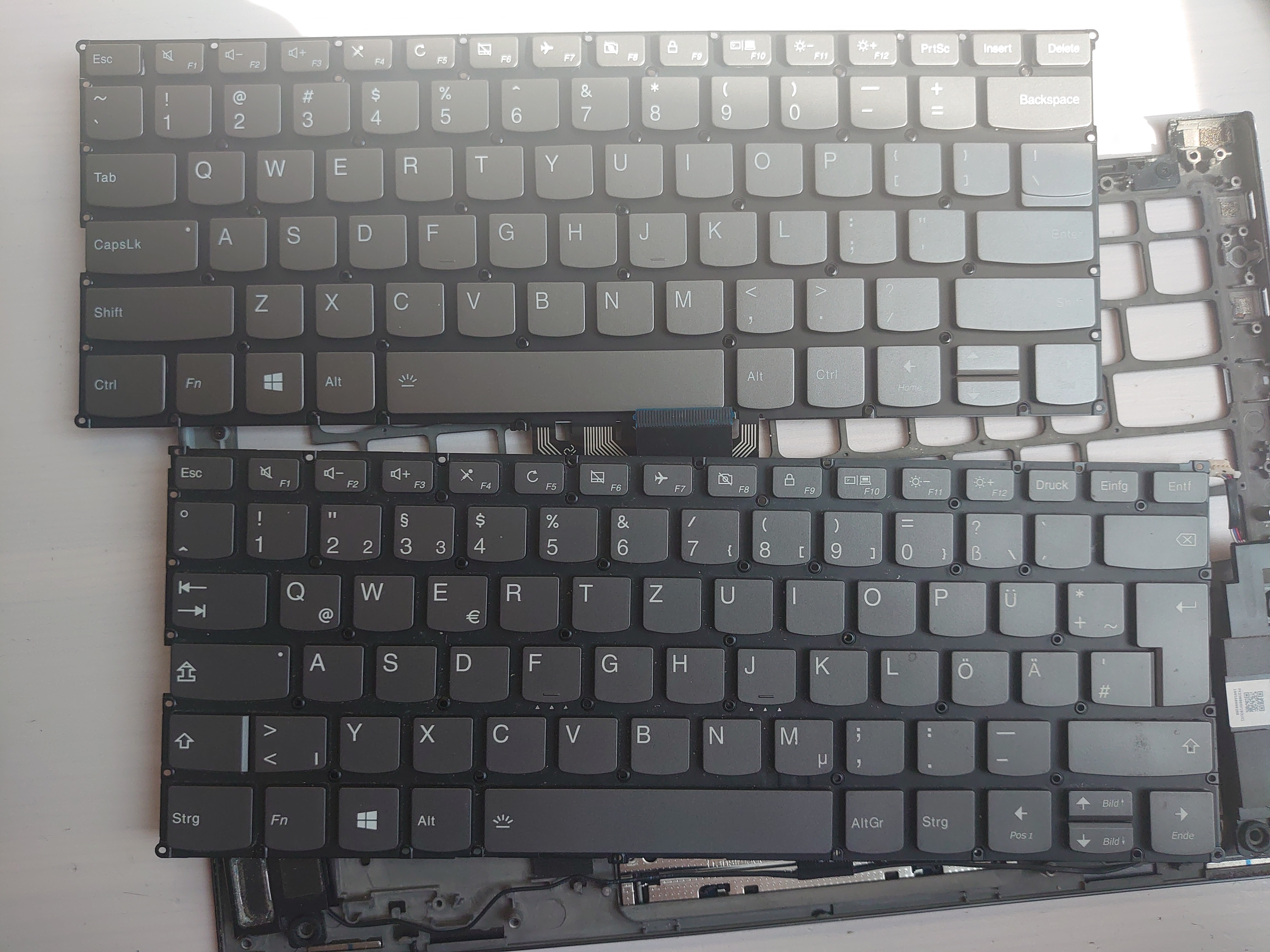
I never noticed, but if you look at an ANSI Laptop Keyboard, and compare it to an ISO keyboard, you can see how conveniently some Keys are put together, so that behind the same backplate, you can place ISO and ANSI keyboards. Wow
Obviously the first place the investigate, if you want to repair something yourself is ifixit, but they don’t have any guide on how to replace the keyboard, so a quick youtube search revealed a single random video, of someone dismantling the Lenovo and replacing the keyboard. As it turns out, you don’t even need to solder anything, just screws(many screws). If soldering work were to be needed, I might have backed off and just ordered the cheap used model, but as it is another occasion to show off my encyclopedic screw head collection, this just motivated me even more.
Alibaba-express had the keyboard I needed for 30 dollars, but as you probably now, their deliveries, wont be here til the next school year starts so, I looked at amazon, and they also had some, for 50. As this price is still way better than the 200, this seems like an enticing offer.
Who would have know that they were equally bad at shipping it
Disassembly
While I was waiting for the keyboard I started to disassemble the Laptop
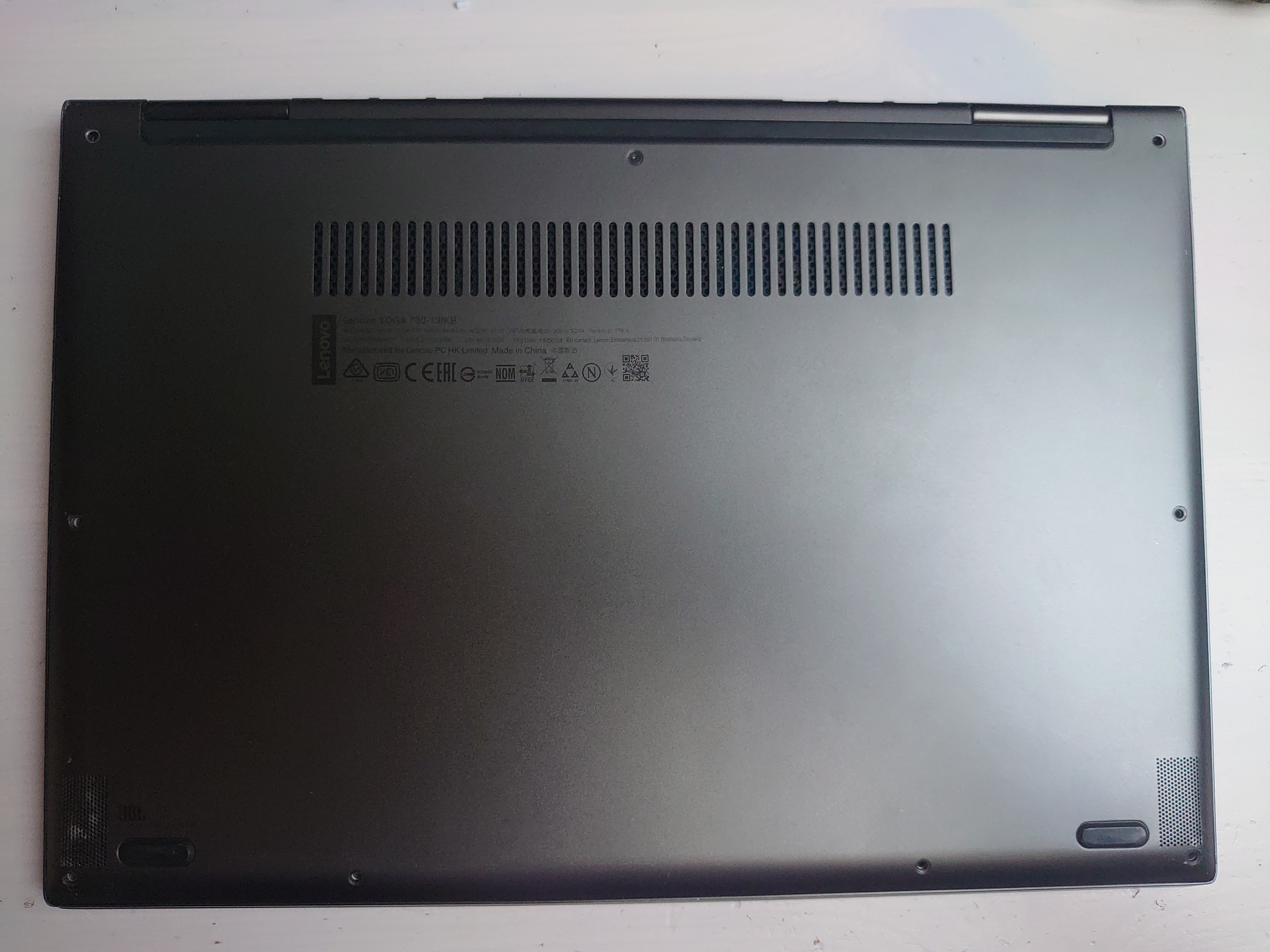
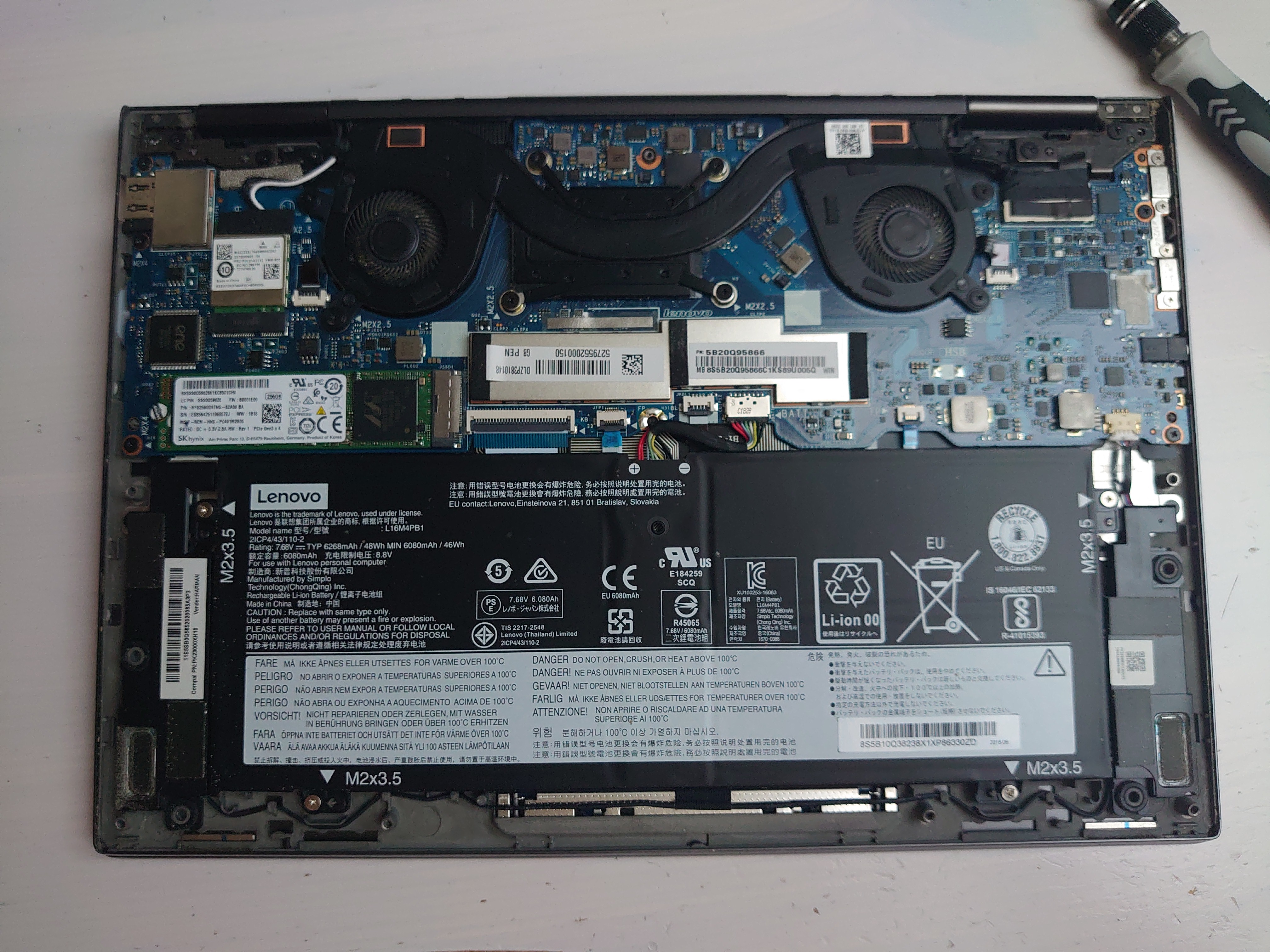
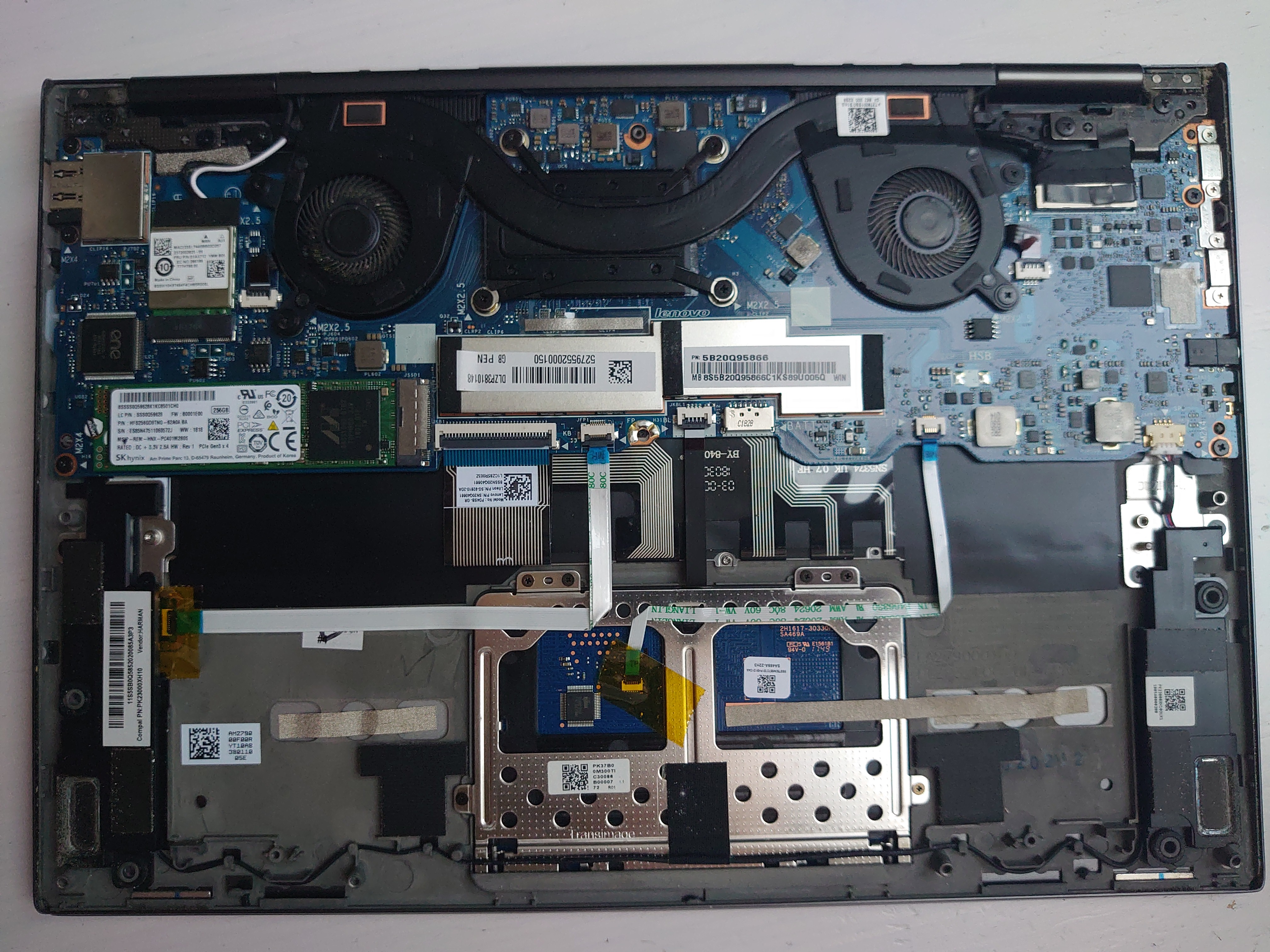
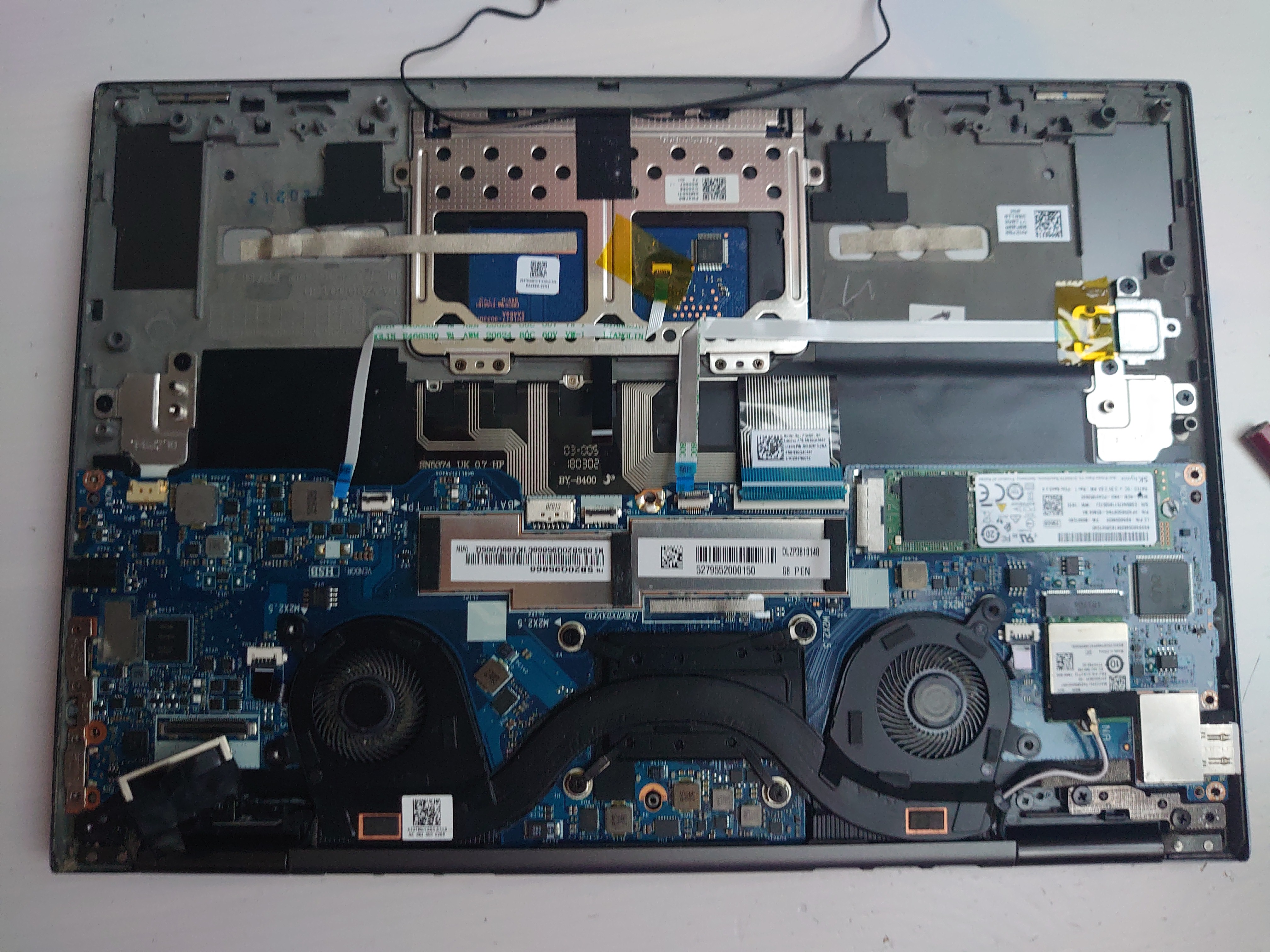
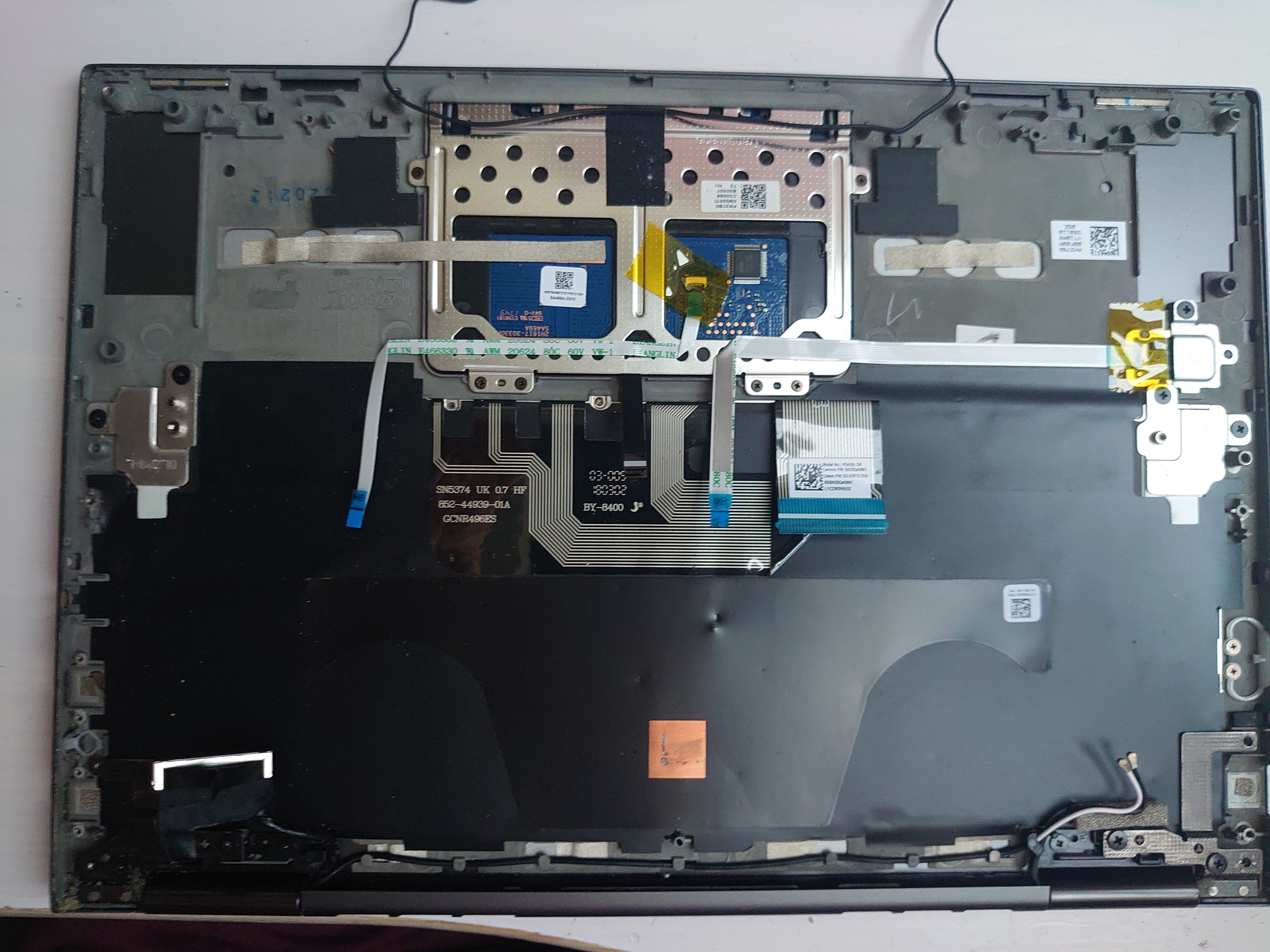
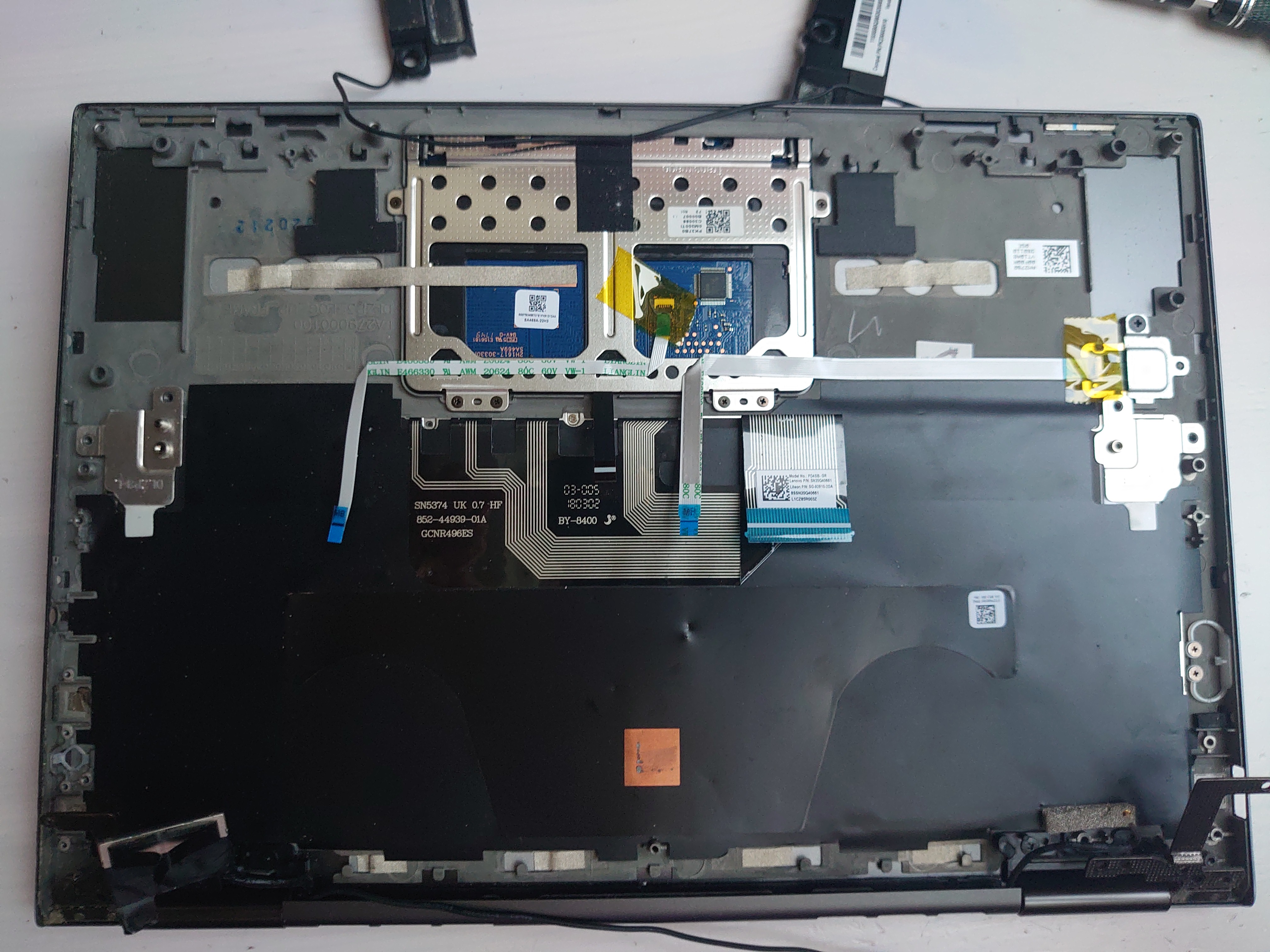

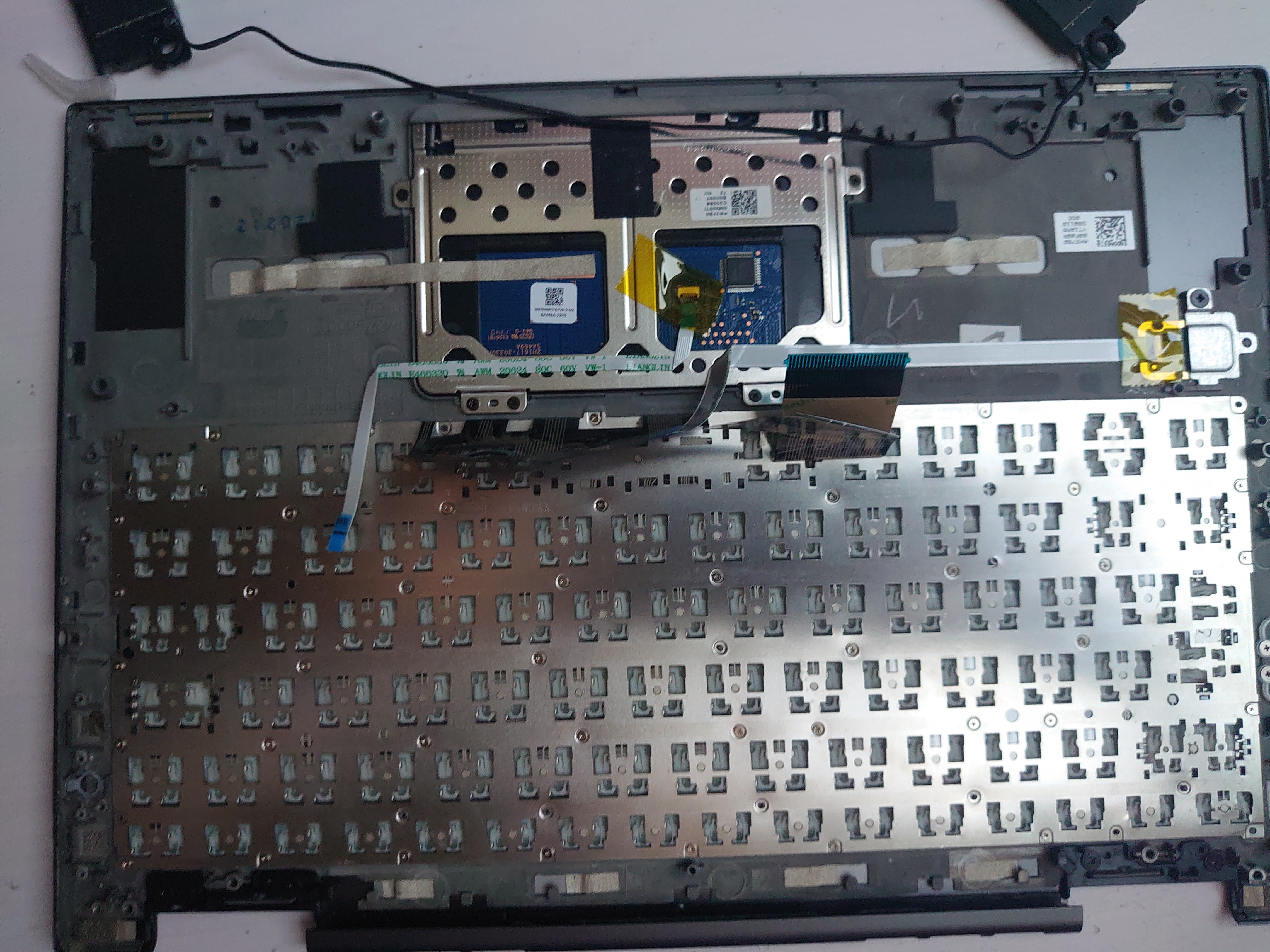
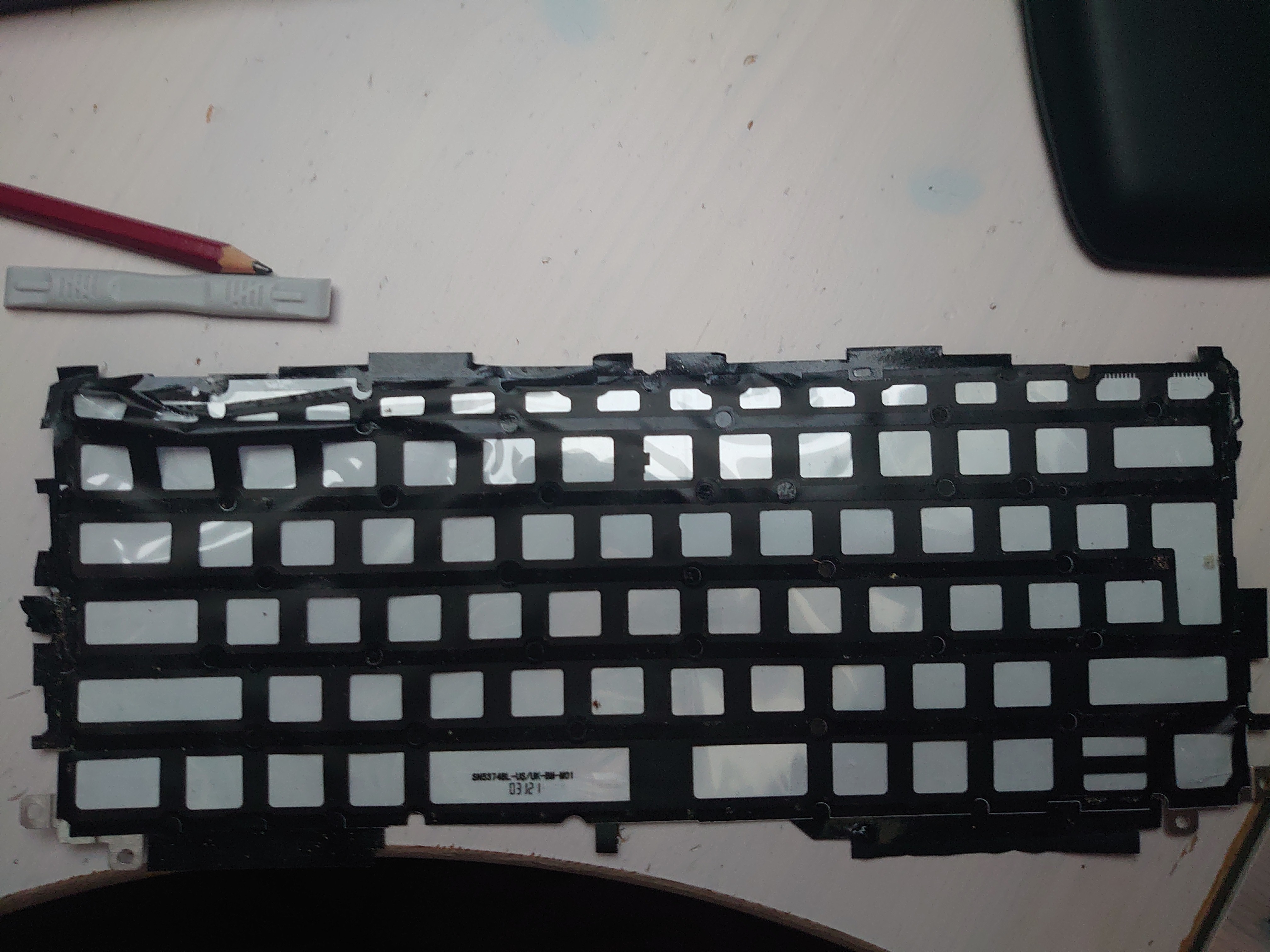
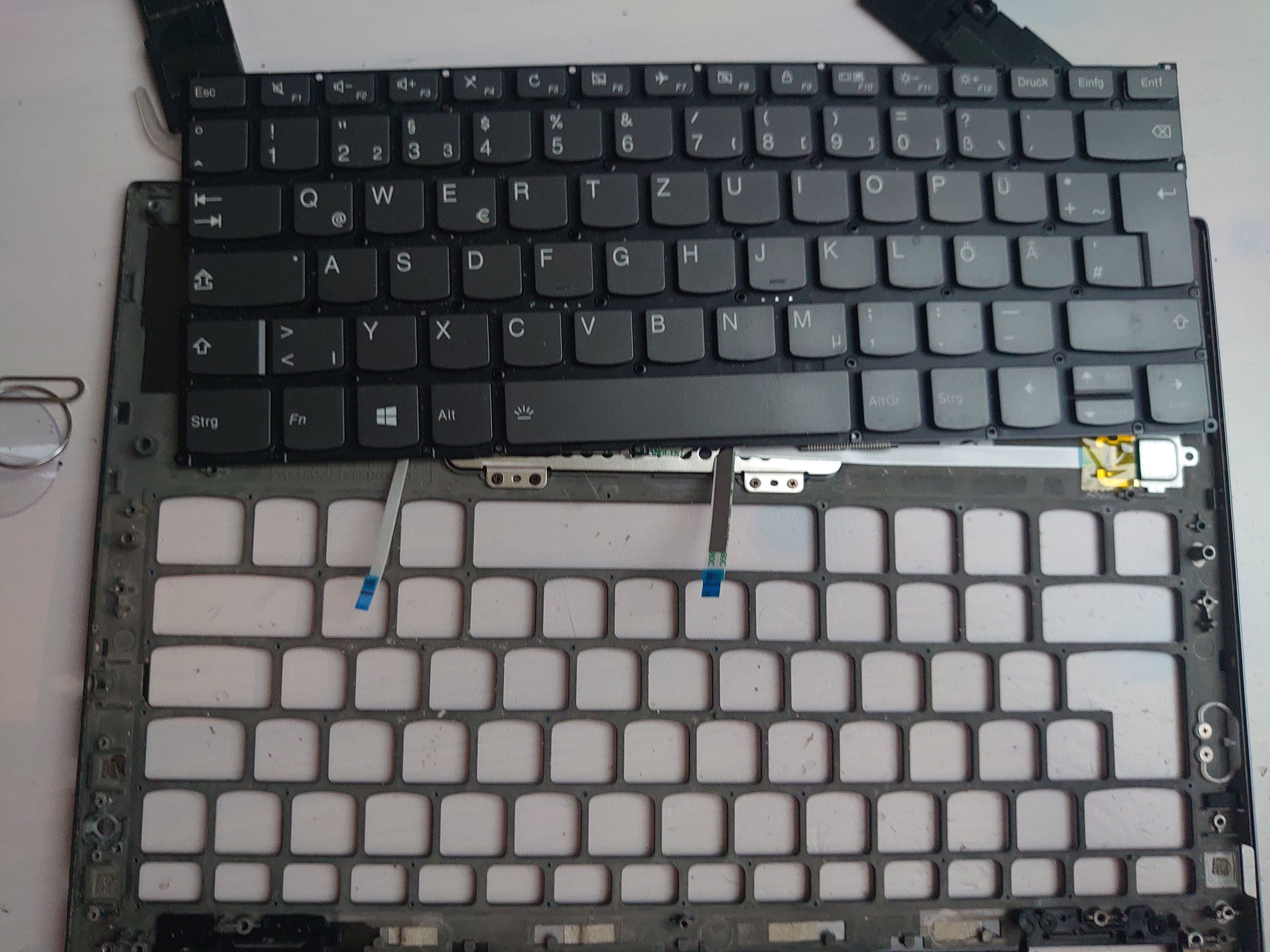
Replacing the keyboard
First fail: The keyboard should arrive between 8-14 of August, but they said they successfully delivered it on August the 7th, at 2 a.m., I wasn’t in Vienna at that time, and no neighbor had received the package, so I requested a second one, and I got it really quickly for free.
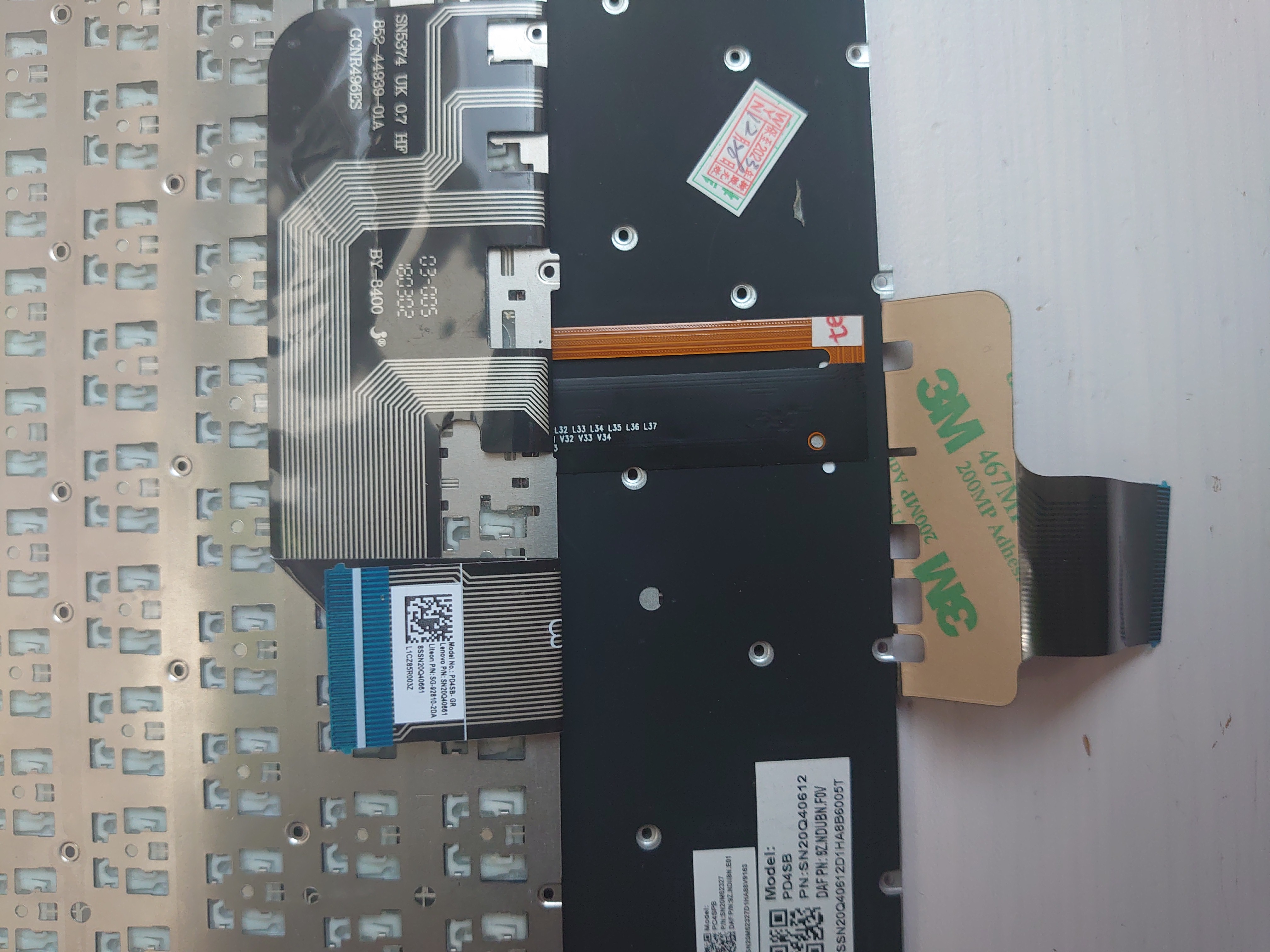
O.K. so finally the Keyboard has arrived and it’s not exactly the same
reassembly
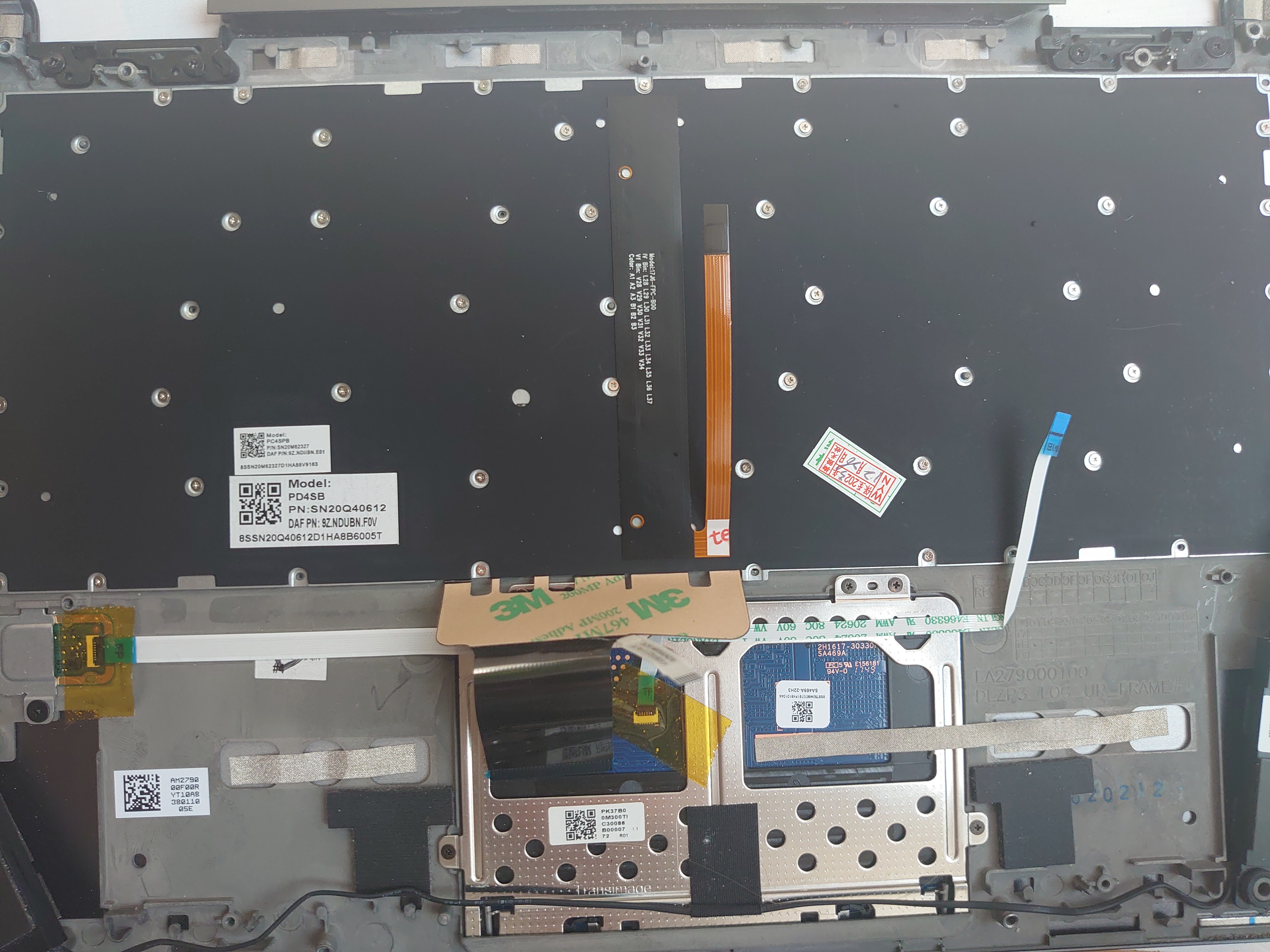
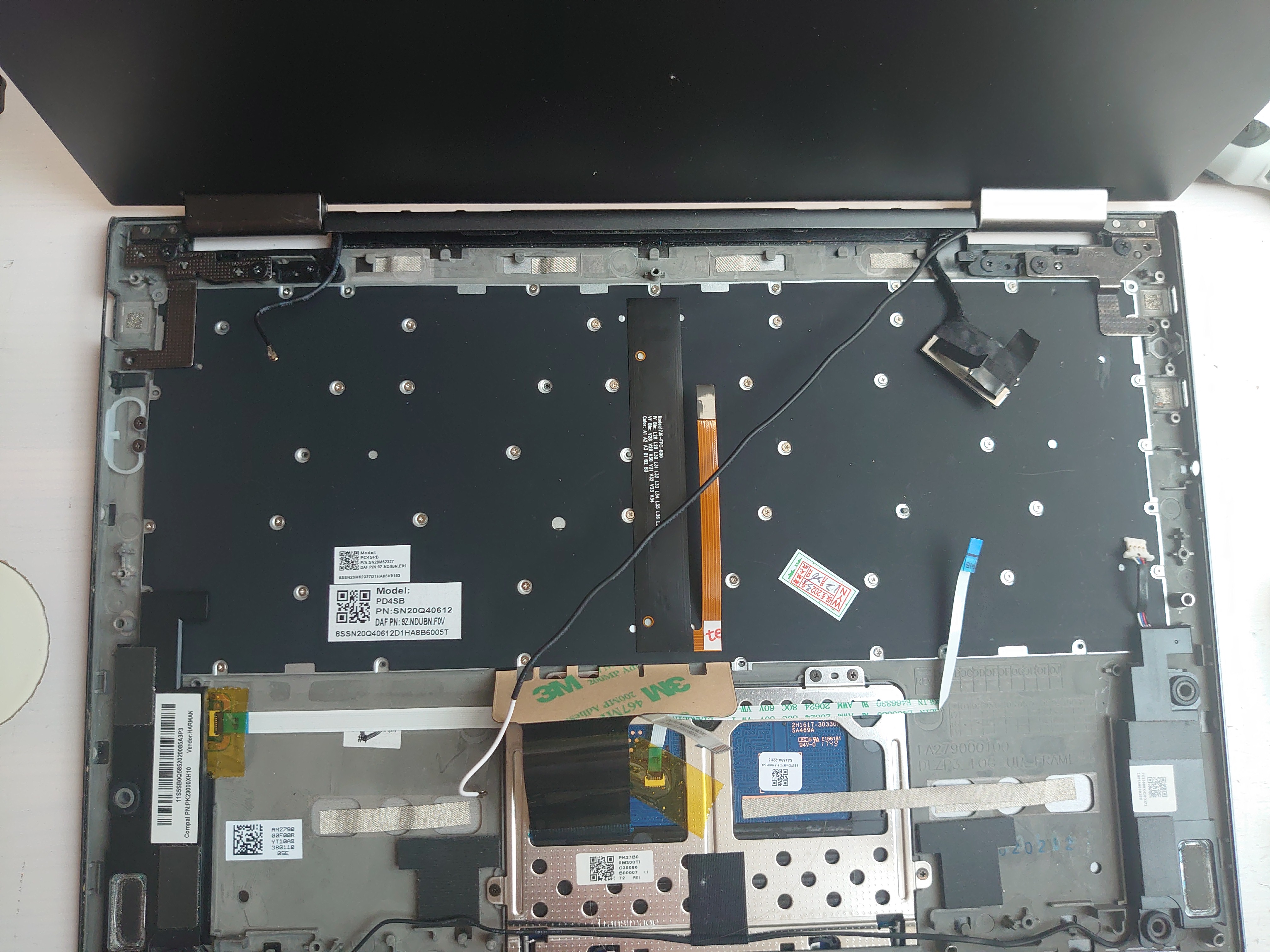
- I never needed to remove it in the first place
- It is way easier if you bend the laptop 300°
So I screwed it back together.
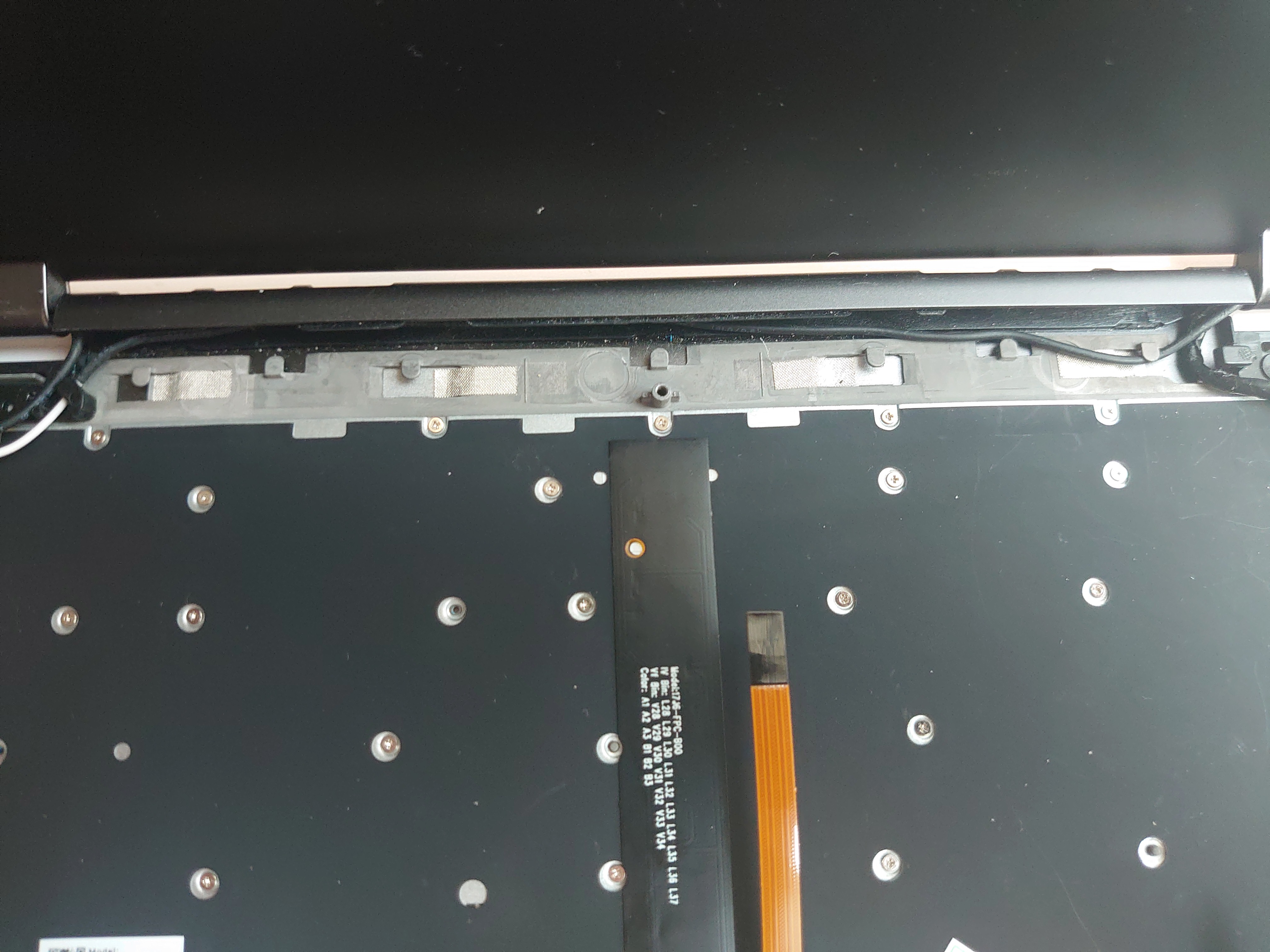
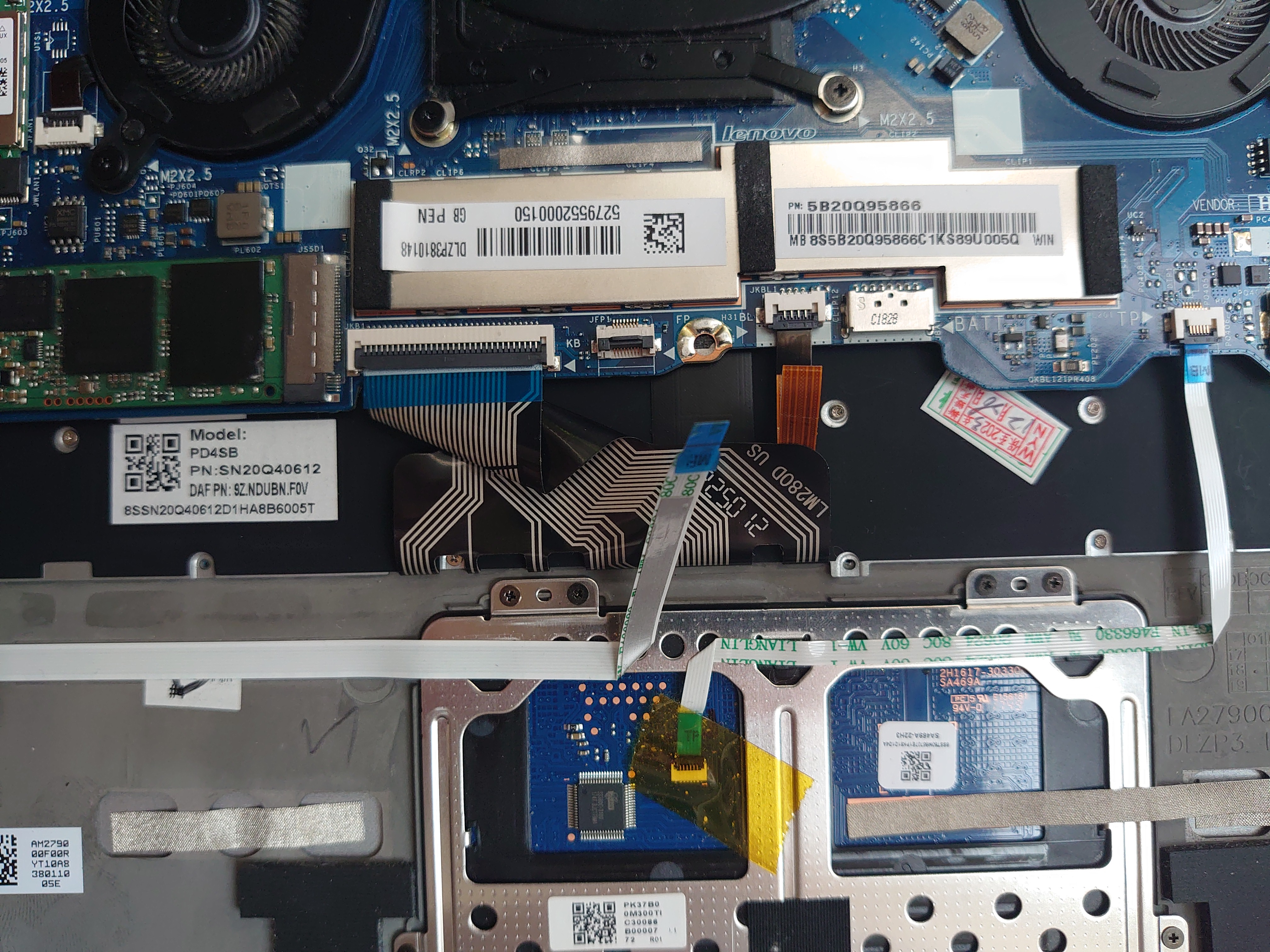
After inserting the mainboard again, I folded the connector a bit unconventionally, to be able to insert it back into the plug.
Everything back together looked like this:
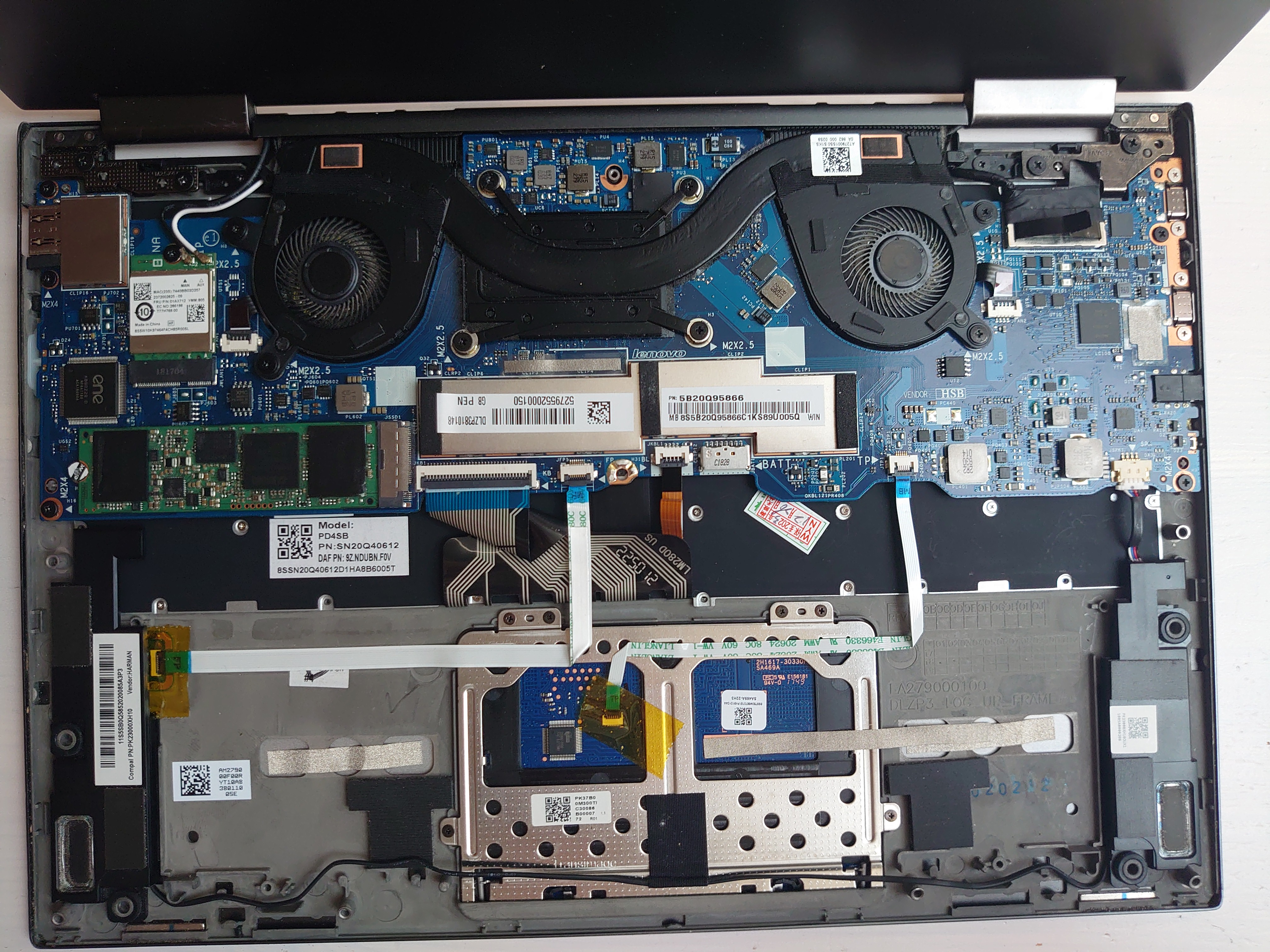
The odd things
The Laptop did not quite look like before, besides the changed keyboard layout.
- The color of the keyboard had changed
- I had two screws for the battery more, that were no longer possible to screw in, because the new keyboard had different screw openings
- There was a bit of a bump in the back, because my folding has lead to the battery being a bit higher
But when I turned it on, it seemed like only selected view Key worked, maybe this was because the drivers for this keyboard have not been loaded in BIOS or some other reason, because as soon as I got into BIOS, a second package arrived.
Second keyboard
There was a second keyboard in the package, that looked exactly like the other new one, but with the difference that the connector was not only as long as the original one, but looked exactly the same(The point where the cable and keyboard diverge does not look the same on the first keyboard compared to the original one).
So I disassembled the Laptop again, this time without the hinge removal, which mad the whole process a lot easier. I still had the two additional battery screws, but the bump was no longer present and every key worked flawlessly ;-)
Was it worth it
Definitely, it was not only way cheaper, but also quite interesting, so as there was no soldering required and little potential to mess anything up, other than loosing all the screws, I would advise it to anyone interested to to it them selfes.
300 Euros would have really been a hefty price for this replacement